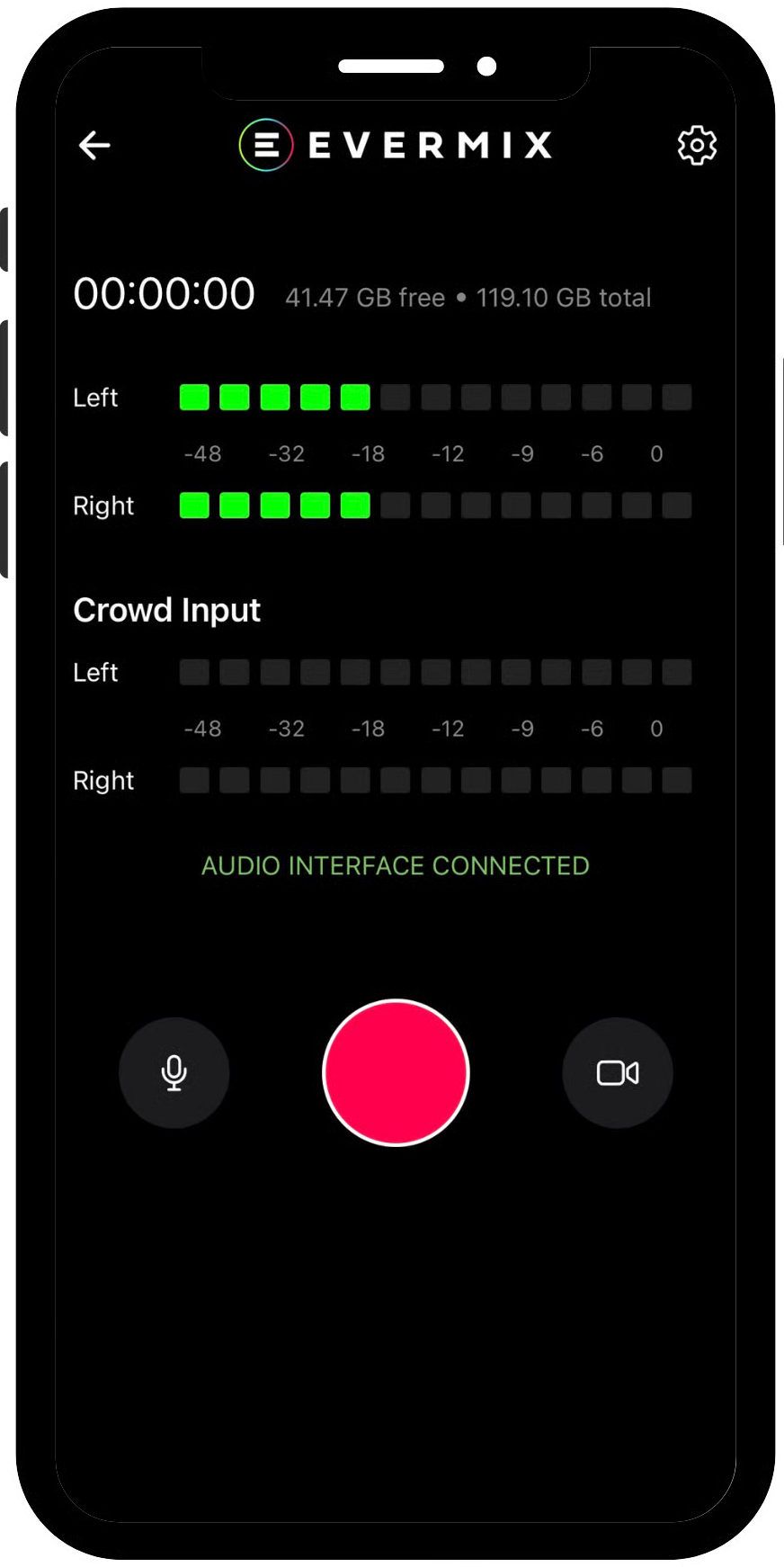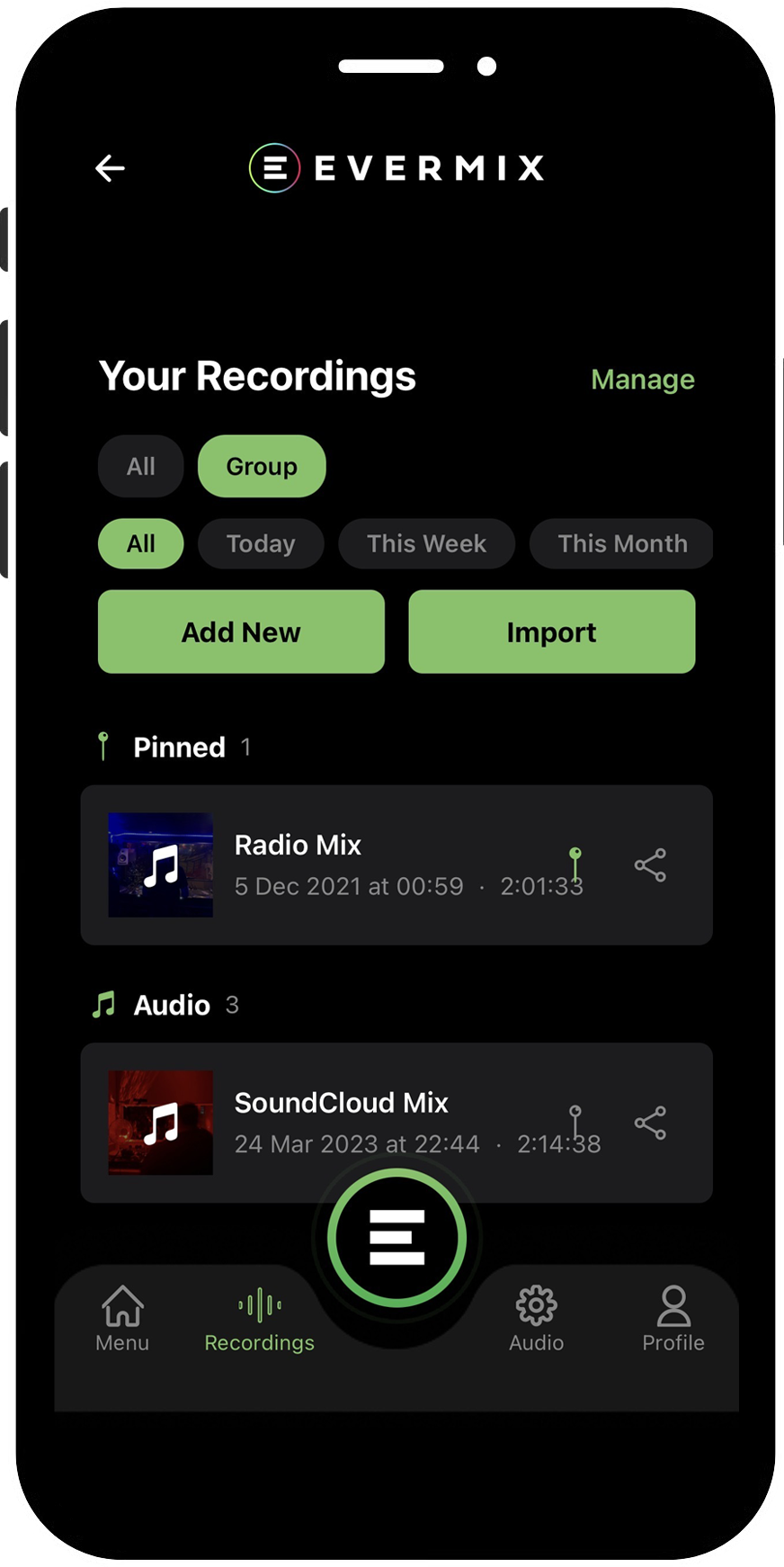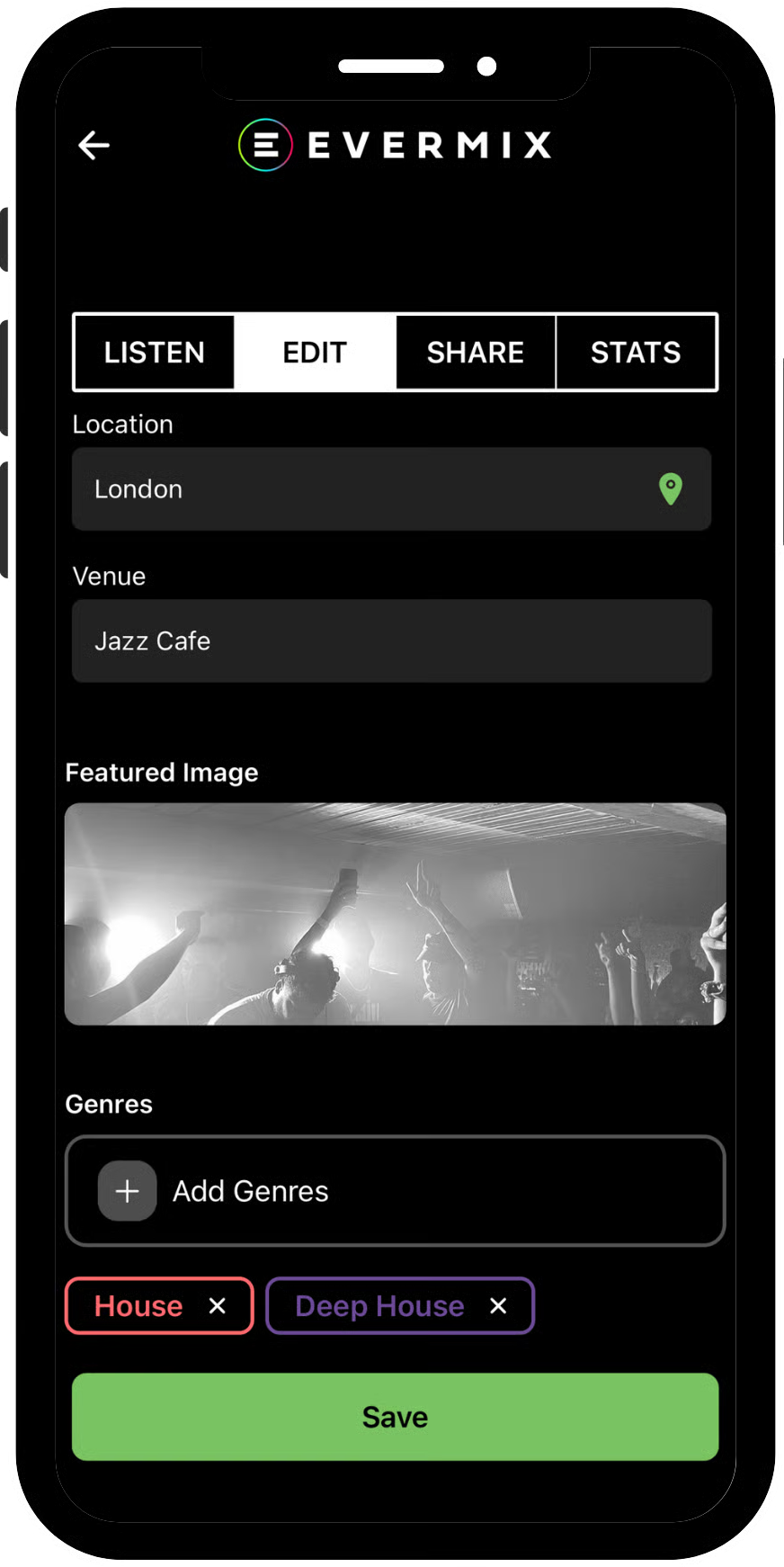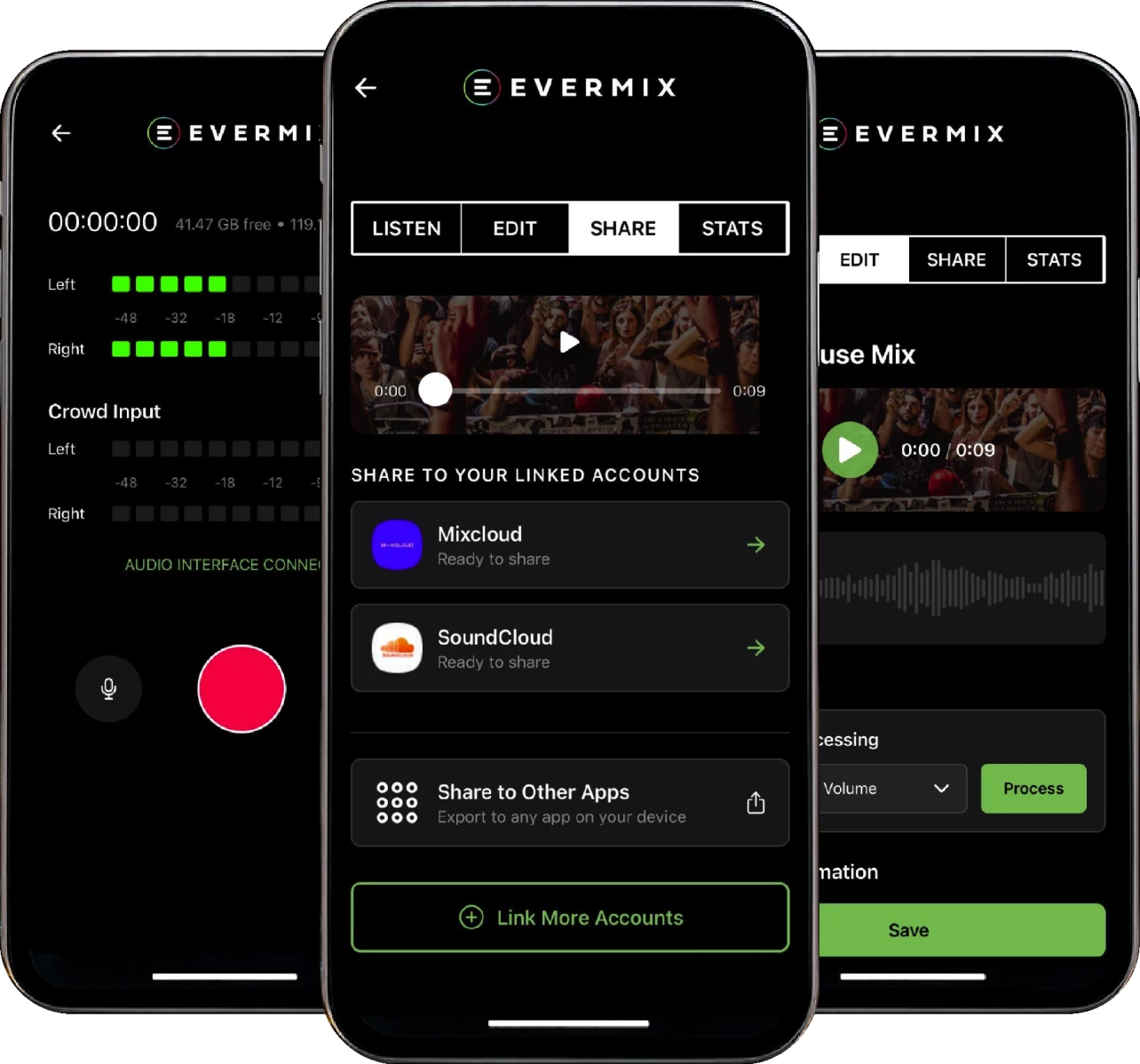

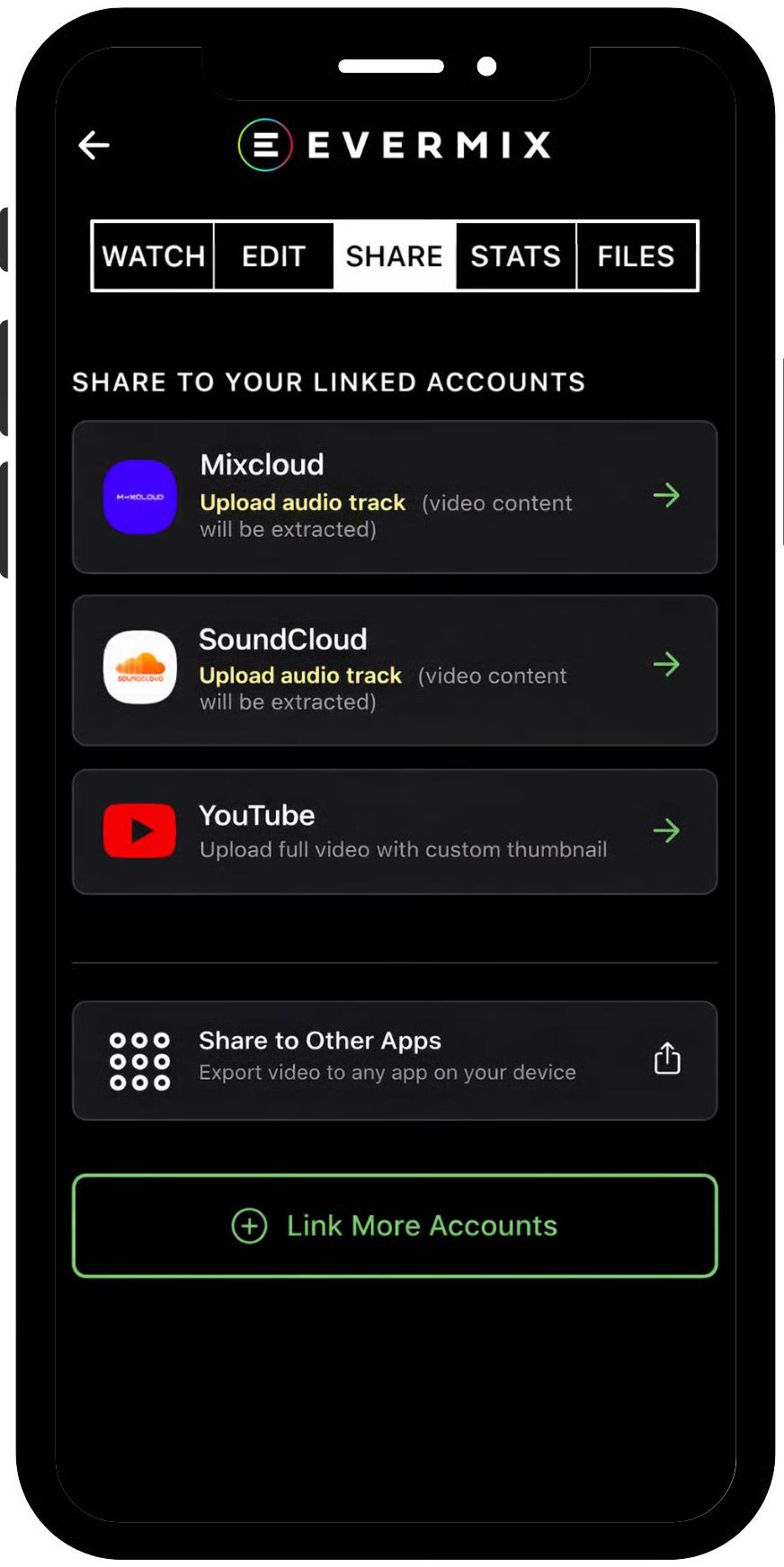
Three smartphone screens showing the user interface of the Evermix audio recording and sharing app.

THE

EVERMIX

APP

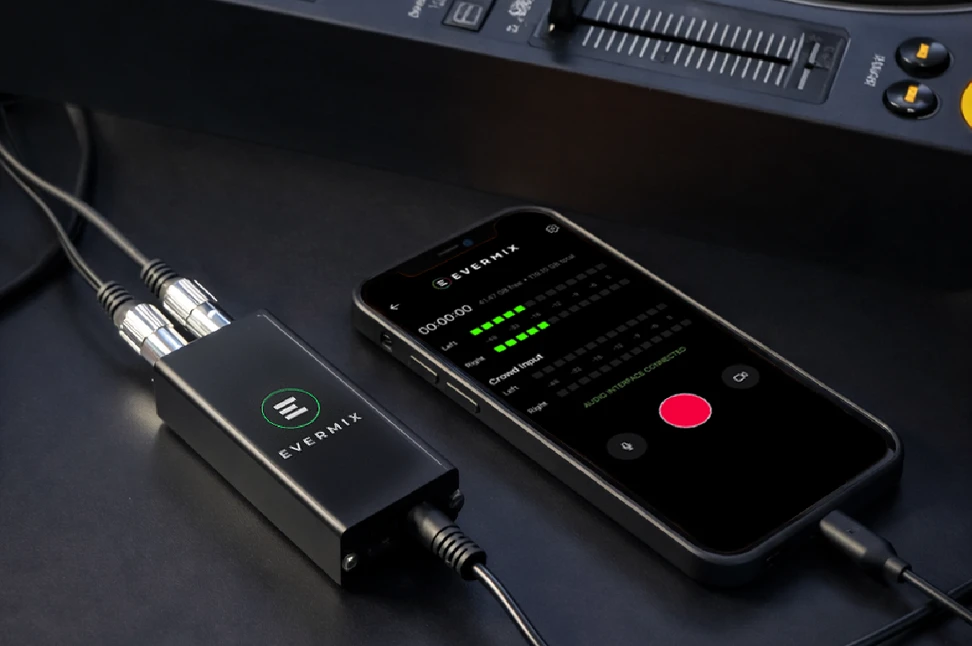
Record, save and share studio-quality audio – straight from your phone. Accompanies the EvermixBox hardware and other audio interfaces.

Built for DJs, live-streamers and creators.

PlatfORm compatibility

The Twitch logo, a white chat bubble icon on a purple background.

TWITCH

The SoundCloud logo, featuring white sound bars merging into a cloud on an orange and red background.

SOUNDCLOUD

The letters M-X in a light peach color on a solid purple background.

MIXCLOUD

The YouTube logo, which is a white play button icon inside a red rounded square.

YOUTUBE

The TikTok logo, a musical note with a red and cyan glitch effect on a black background.

TIKTOK

INCLUDED FREE

Real-Time Level Monitoring

Built-in metering and signal indicators help you stay in control while recording.

Easy Sharing

Export Mix & Content to external cloud drives.

Artwork and Metadata

Add cover art, titles, and track lists to your mixes.

Mix Categories

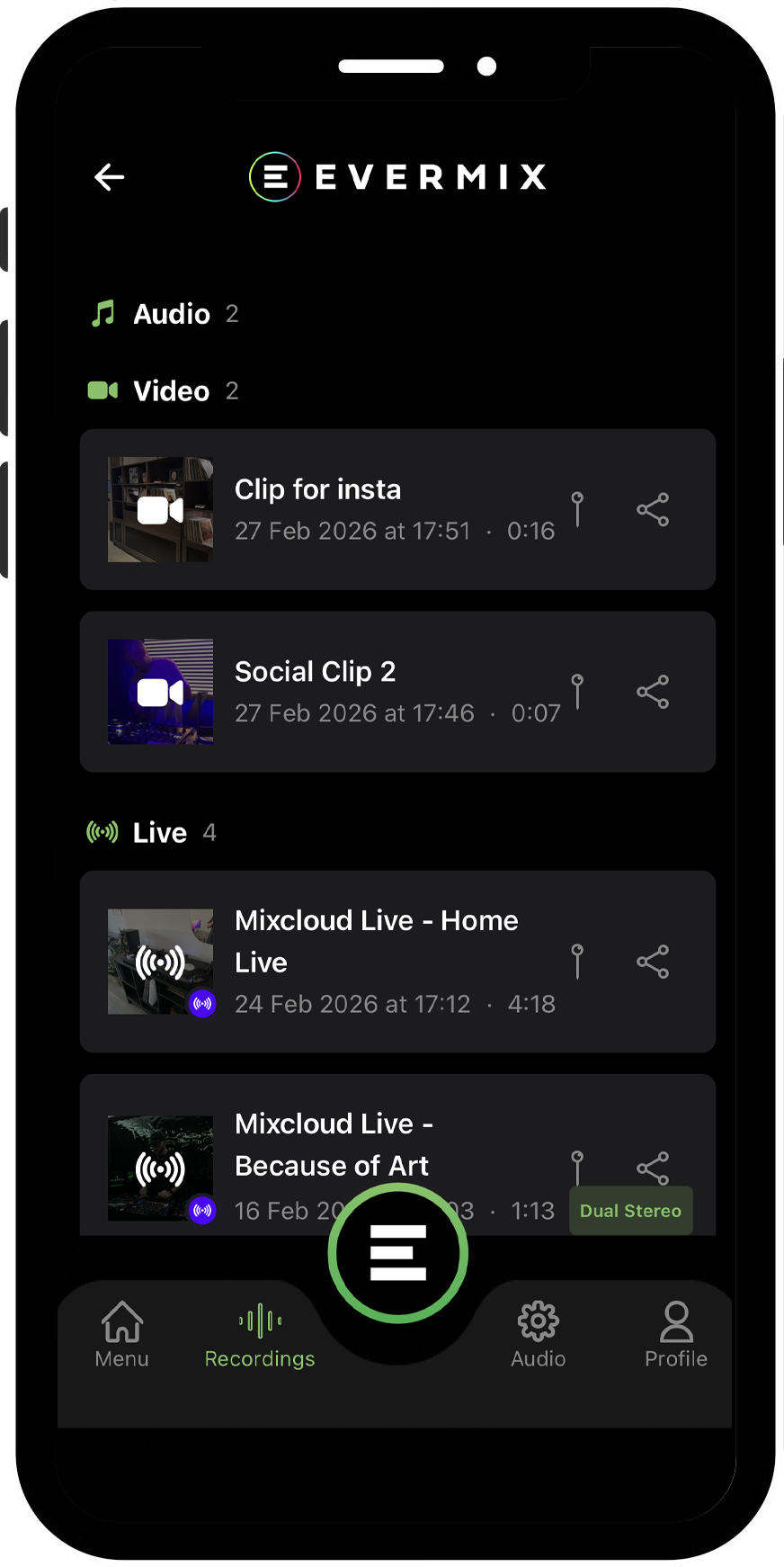
Your recordings are neatly organised into Audio, Video, and Streams.

Recording Widget

Monitor recording time directly from your lock screen.

Import Mixes

Bring in past content to manage within the Evermix hub.

Evermix Latest

Access tutorials, updates, and new feature announcements inside the app.

Real-Time Level Monitoring

Built-in metering and signal indicators help you stay in control while recording.

Easy Sharing

Export Mix & Content to external cloud drives.

Artwork and Metadata

Add cover art, titles, and track lists to your mixes.

Mix Categories

Your recordings are neatly organised into Audio, Video, and Streams.

Recording Widget

Monitor recording time directly from your lock screen.

Import Mixes

Bring in past content to manage within the Evermix hub.

Evermix Latest

Access tutorials, updates, and new feature announcements inside the app.

unlocked with pro

The words 'PRO-1-STOP SOLUTION' arranged in a circle in a bold, dark grey, sans-serif font.

Direct Streaming

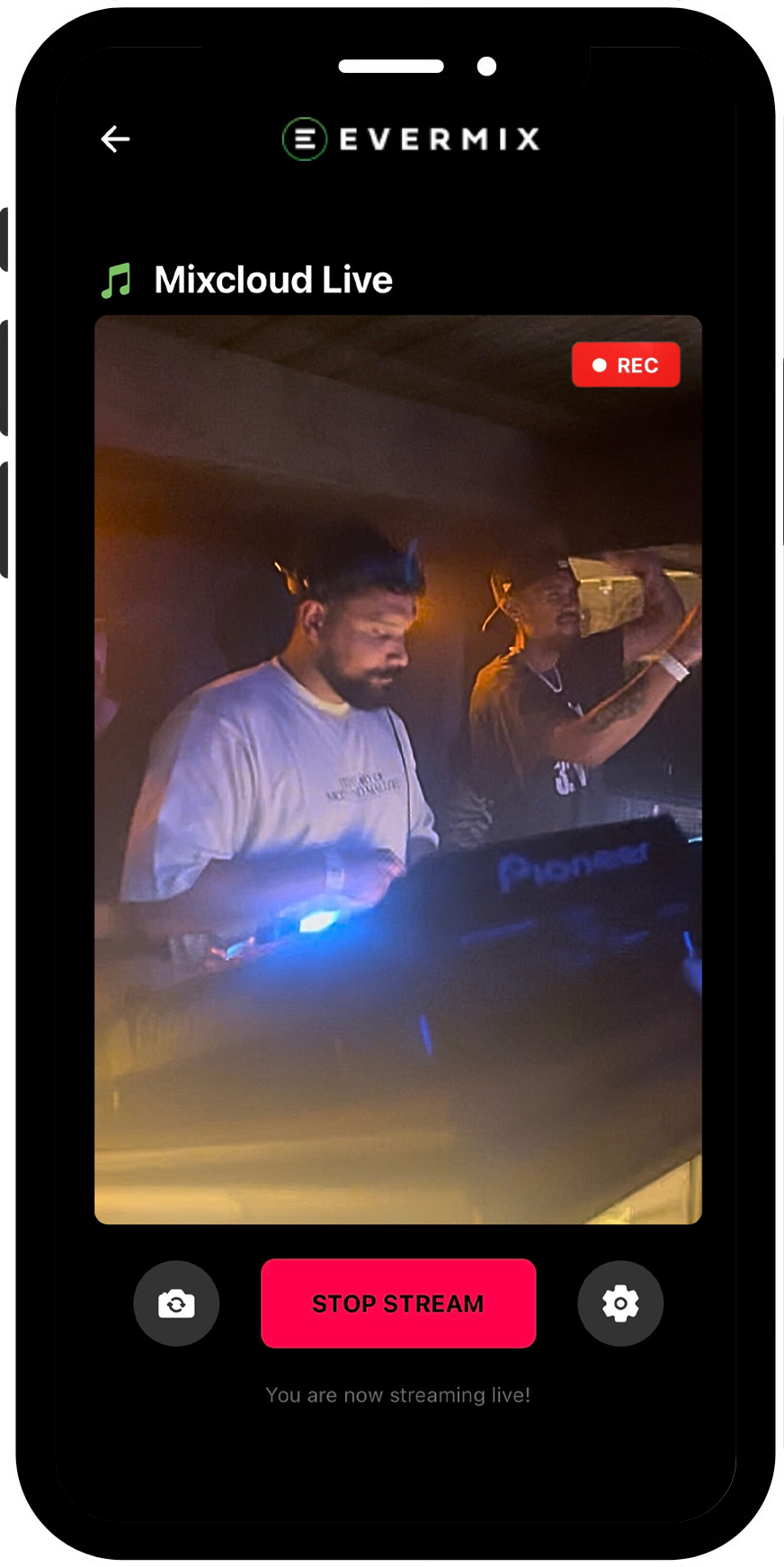
Stream live to Mixcloud, Tiktok, Twitch, YouTube, and RTMP platforms — directly in app.
Record & Livestream Simultaneously

Go live while recording in full quality. Livestreams save automatically as separate audio and video files, ready to share.
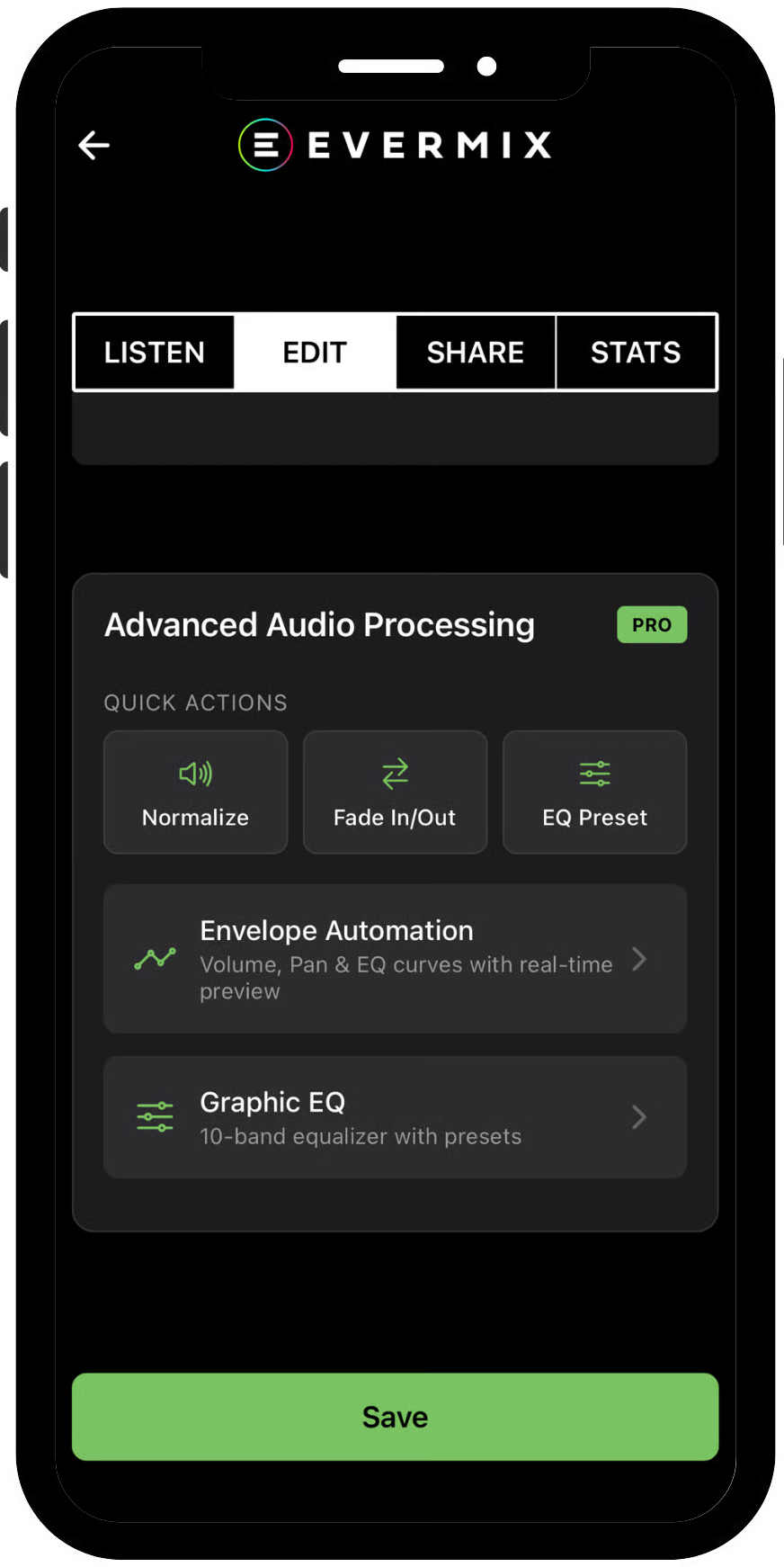
Advanced Audio Processing

Auto-Normalisation, EQ, gain control, and mastering tools ensure polished, balanced sound.
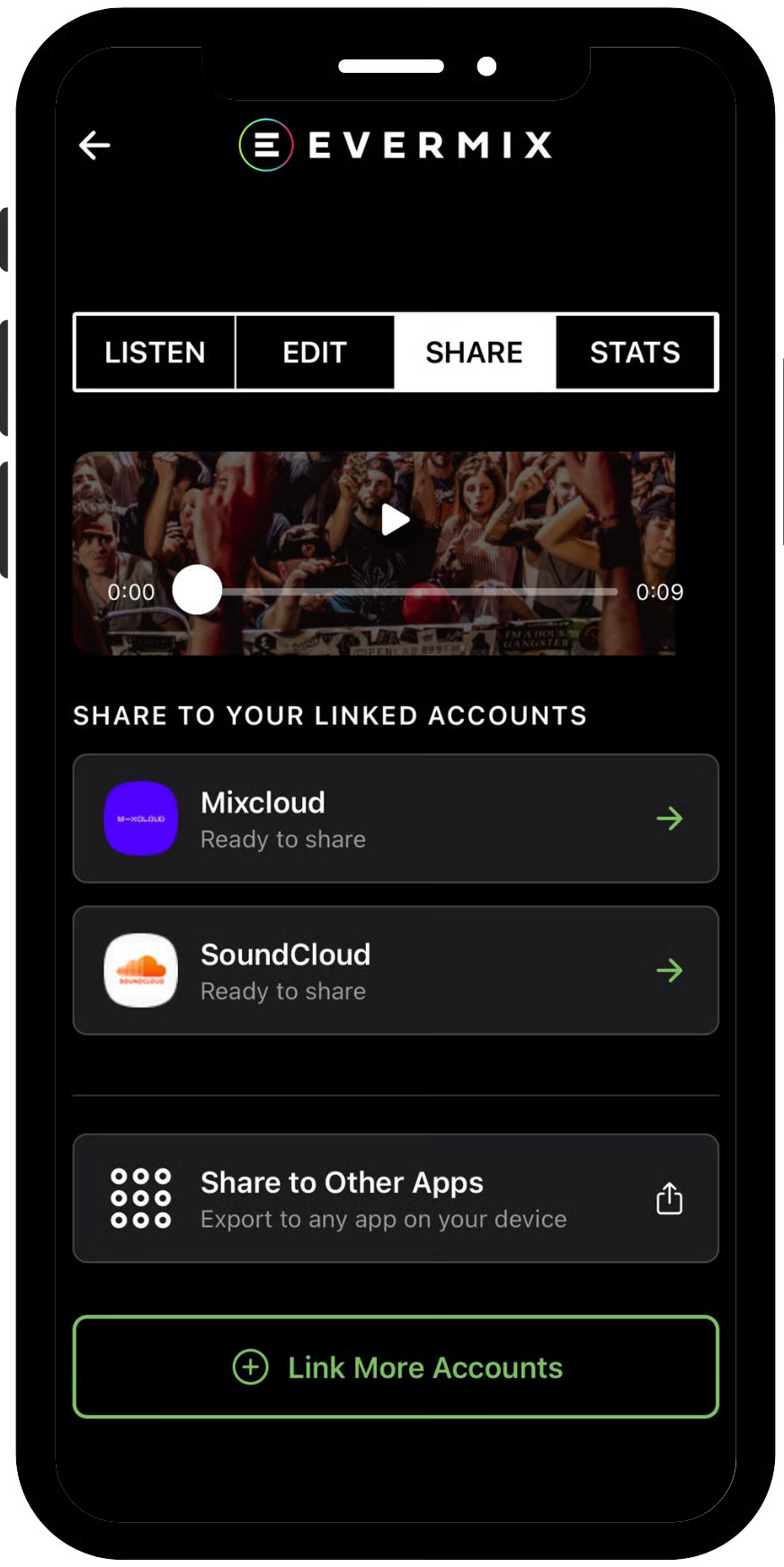
Multi-Platform Sharing

Upload directly to all platforms, Mixcloud, SoundCloud, or export to YouTube, TikTok, Dropbox, and more.
WAV Recordings

Capture your DJ sets in WAV, clean, true stereo audio.
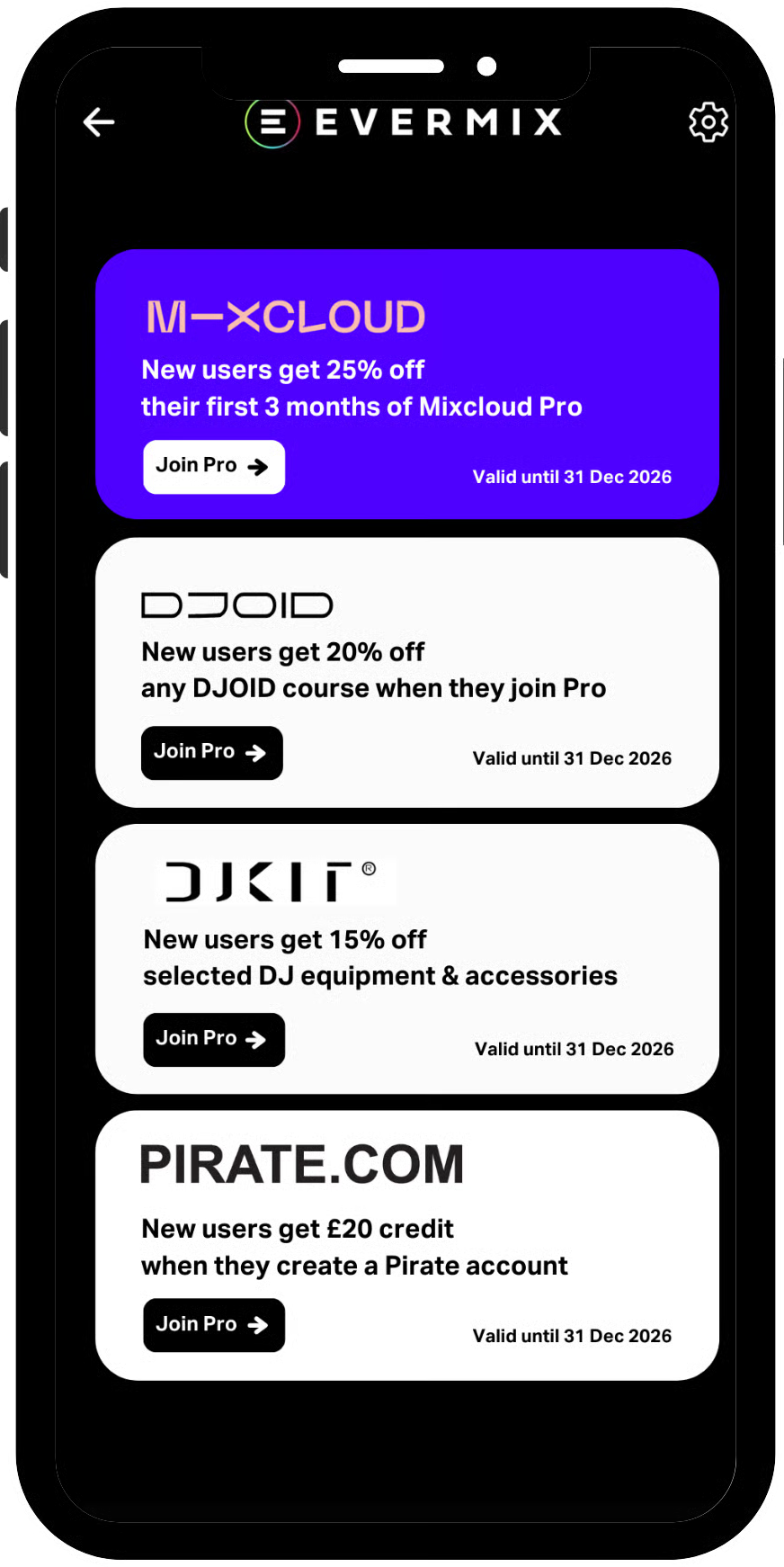
Evermix Exclusives

Access exclusive offers from trusted Evermix partners. Unlock discounts, studio time, gear offers, and more from leading DJ brands and platforms.

Capture the Crowd

4-channel input with 3.5mm mic support lets you record ambience, voiceovers, and room energy.

Video Recording

Record high-quality video in the app with synced professional audio, and upload the audio directly to streaming platforms.

FEATURE OVERVIEW

Free vs Pro - Choose your level

Pro

Free

Record studio-quality audio

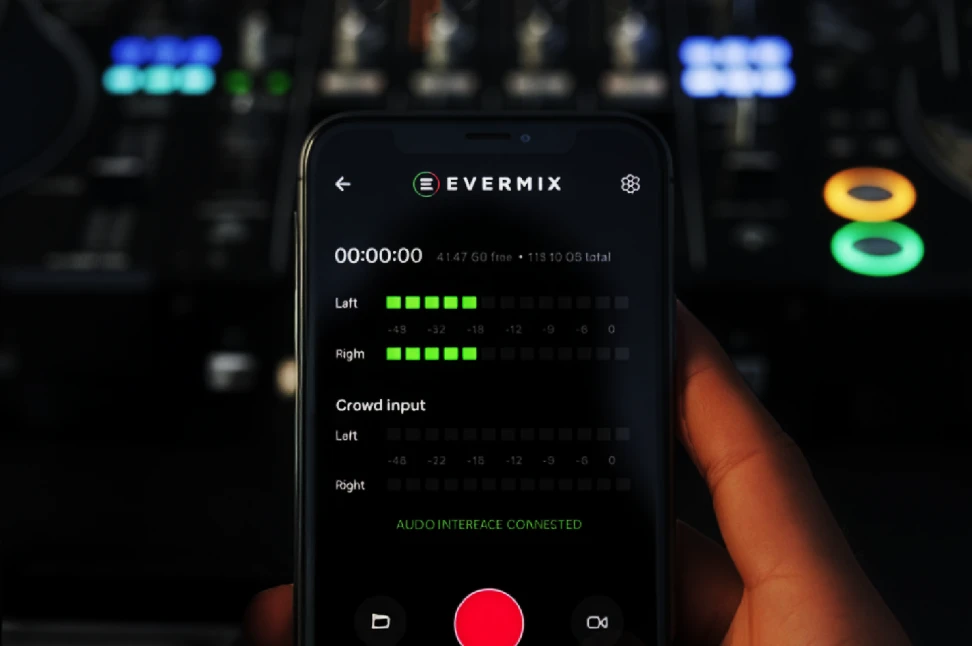
Real-time level metering & signal indicators

Save mixes directly in the app

Organise and manage your recordings

Limited number of connected platforms

Artwork and mix titles pull through to Mixcloud and SoundCloud

Record studio-quality video with synced professional audio

Upload directly to Mixcloud or SoundCloud

Direct livestreaming (Mixcloud Live, Twitch, YouTube, RTMP)

Auto stream-key generation (no desktop needed)

Record + livestream at the same time

Extract audio from video (MP4 → WAV)

Advanced audio processing:

- Auto-normalisation

- Peak control

- EQ & gain staging

- Mastering presets

Connect multiple channels to share mixes and content

Priority access to new features & tools

Exclusive partner discounts & competitions
what beta testers are saying

Slide 1 of 6

FAQs

Collapsible content

1. Is recording still free?

Yes. Recording and exporting audio remains free.

Evermix Pro unlocks additional features such as livestreaming, video recording, editing tools,

and direct uploads.

2. Why are some features now part of Evermix Pro?

We’ve rebuilt the Evermix app from the ground up with many new features and improvements. Developing and maintaining a more powerful app comes with ongoing costs, so some advanced tools are now part of Evermix Pro.

Pro Features

✓ Direct live-streaming

✓ Record and livestream simultaneously

✓ Video recording with synced pro audio

✓ Separate audio and video exports

✓ Advanced audio processing

✓ WAV recording

✓ Direct upload to Mixcloud & SoundCloud

✓ Metadata sync to streaming platforms

✓ Partner exclusives

The subscription is designed to be a small monthly fee that supports continued development. In return, you get access to the full suite of Pro features, including livestreaming, video recording, editing tools, direct uploads, and more.

We’re also continuing to add new features and partner exclusives, so the Pro Plan features will keep growing over time.

Recording and exporting your mixes will always remain free.

3. Where are my mixes from the old app?

Your mixes are saved locally on your phone. The app will scan them and automatically import.

To manually import them head to;

Recordings → Import → “On My iPhone” → Evermix Folder → Recordings

Select the mix you want to import and tap Open.

If your mix does not appear, force close and reopen the app.

We’re aware of an issue where mixes that have been manually deleted reappear when the app is reopened and automatically scans. We’re currently working on a fix.

4. What is included in the 30-day trial?

The trial gives you full access to all Evermix Pro features, including:

● Livestreaming

● Video recording

● Editing tools

● Direct uploads

After the trial ends, you can choose whether to subscribe to continue using Pro features.

You do not need to add payment details to start the trial.

5. Do I need an EvermixBox to use the app?

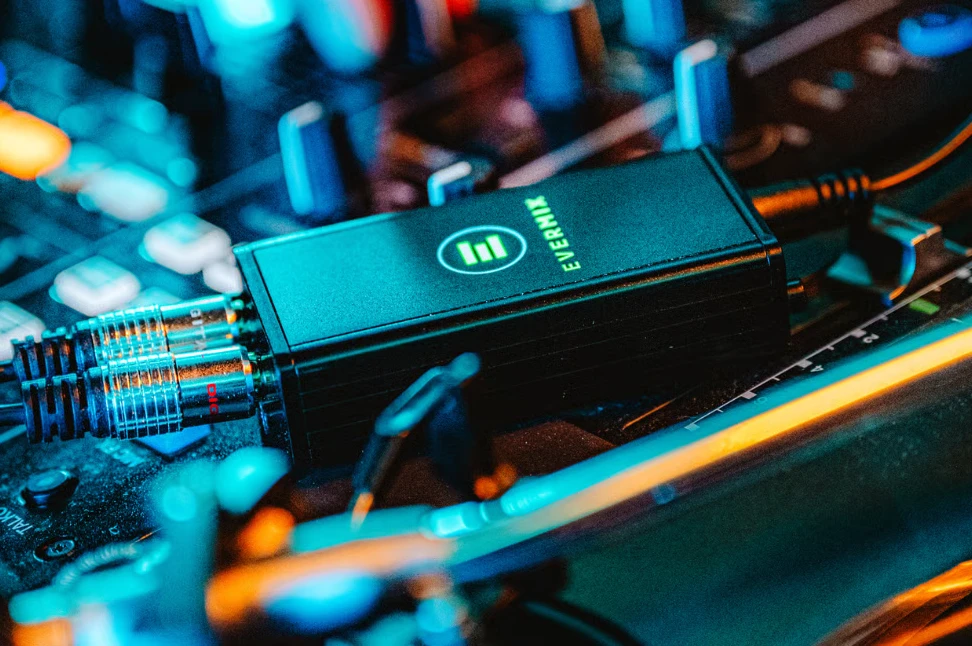
The EvermixBox provides the best audio quality and plug-and-play recording directly from your mixer.

However, the app can also work with compatible audio interfaces.

6. Can I record and livestream at the same time?

Yes.

You can livestream while recording, and the stream will automatically save as separate audio and video files after the broadcast.

7. Can I upload mixes directly to Mixcloud or SoundCloud?

Yes. The app includes direct upload tools, allowing you to publish your mixes to Mixcloud or SoundCloud without leaving the app.

8. Video is lagging

If your video appears laggy, try lowering the video settings:

Video → Settings → Reduce video quality

This should improve performance.

9. I can’t log in - I’m not receiving the SMS verification code

We’ve now updated the app so you can verify your account using either email or SMS.

If you are in the US or are having trouble receiving the SMS code, please choose email verification instead — both methods work the same way.

Make sure you update to the latest version of the app from the App Store or Google Play to access this option.

10. How do I subscribe?

Subscription options become available after your 30-day trial period.

To subscribe, simply select one of the Pro features (such as livestreaming, video recording, or direct uploads) and the subscription options will appear.

11. I’ve found a bug. How do I report it?

Please report bugs or feedback here so our team can review and fix issues quickly.

12. The app isn’t working properly

We’re continuing to improve the app and release updates regularly.

If you encounter any issues, please contact us here, along with any suggestions that could help us improve the experience.

Important notes

Do not delete the app without backing up your mixes.

● If you update the app normally, your mixes can still be imported from your device storage.

● Deleting the app may remove locally stored recordings.